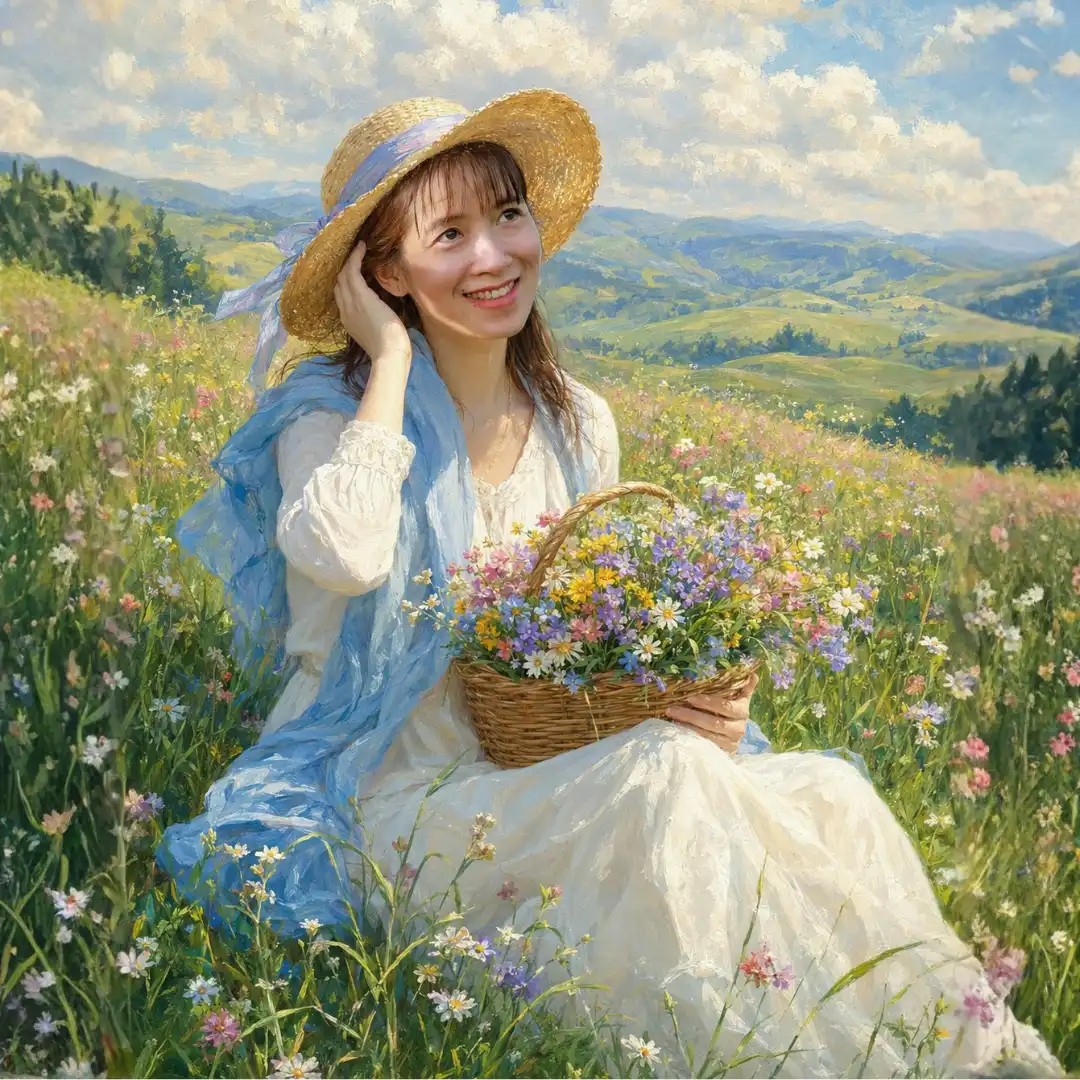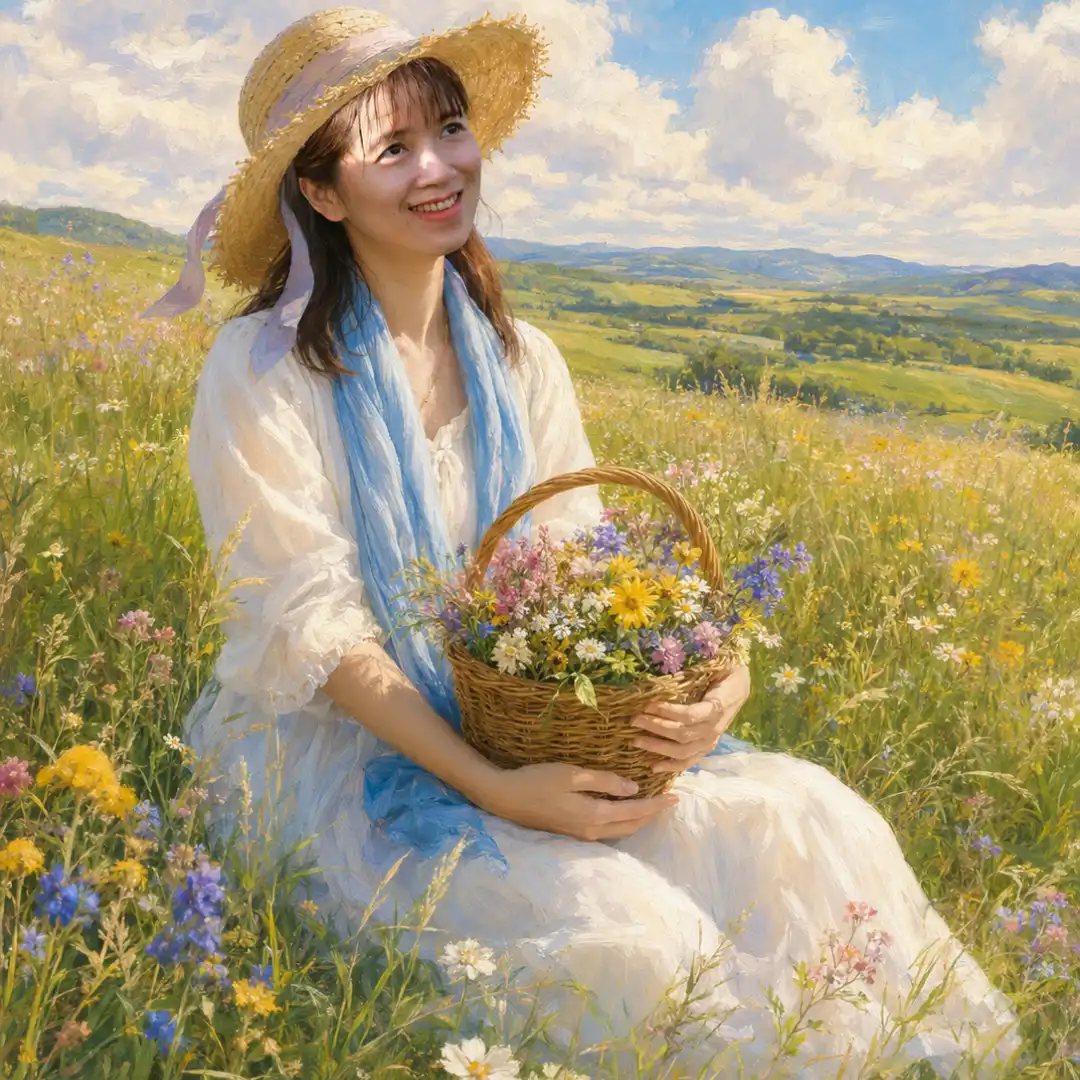
How to Use This Prompt
1. Upload Your Reference Photo Choose a clear, front-facing photo with good lighting. The face should be unobstructed for best results.
2. Paste the Full Prompt Copy the entire prompt exactly as written and paste it into your AI image generator (Midjourney, Leonardo AI, Stable Diffusion, etc.).
3. Attach the Reference Image In tools that support face reference (like Midjourney’s --cref or Leonardo’s Image Reference), attach your photo alongside the prompt.
4. Keep These Settings in Mind
- Aspect ratio: 3:4 (portrait orientation)
- Aim for high resolution output if your tool allows it
- Use stylization sliders moderately — too high breaks face accuracy
5. If the Face Changes
- Lower the stylization/creativity setting
- Increase the face reference weight (e.g.
--cref weight 100in Midjourney) - Try inpainting just the face back in afterward
6. Final Touches Run the output through an upscaler (like Magnific or Topaz) to bring out the 8K detail and fine brushwork the prompt calls for.
Tip: This prompt works best on platforms with strong face-locking features. Results improve significantly with a high-quality, well-lit reference photo.