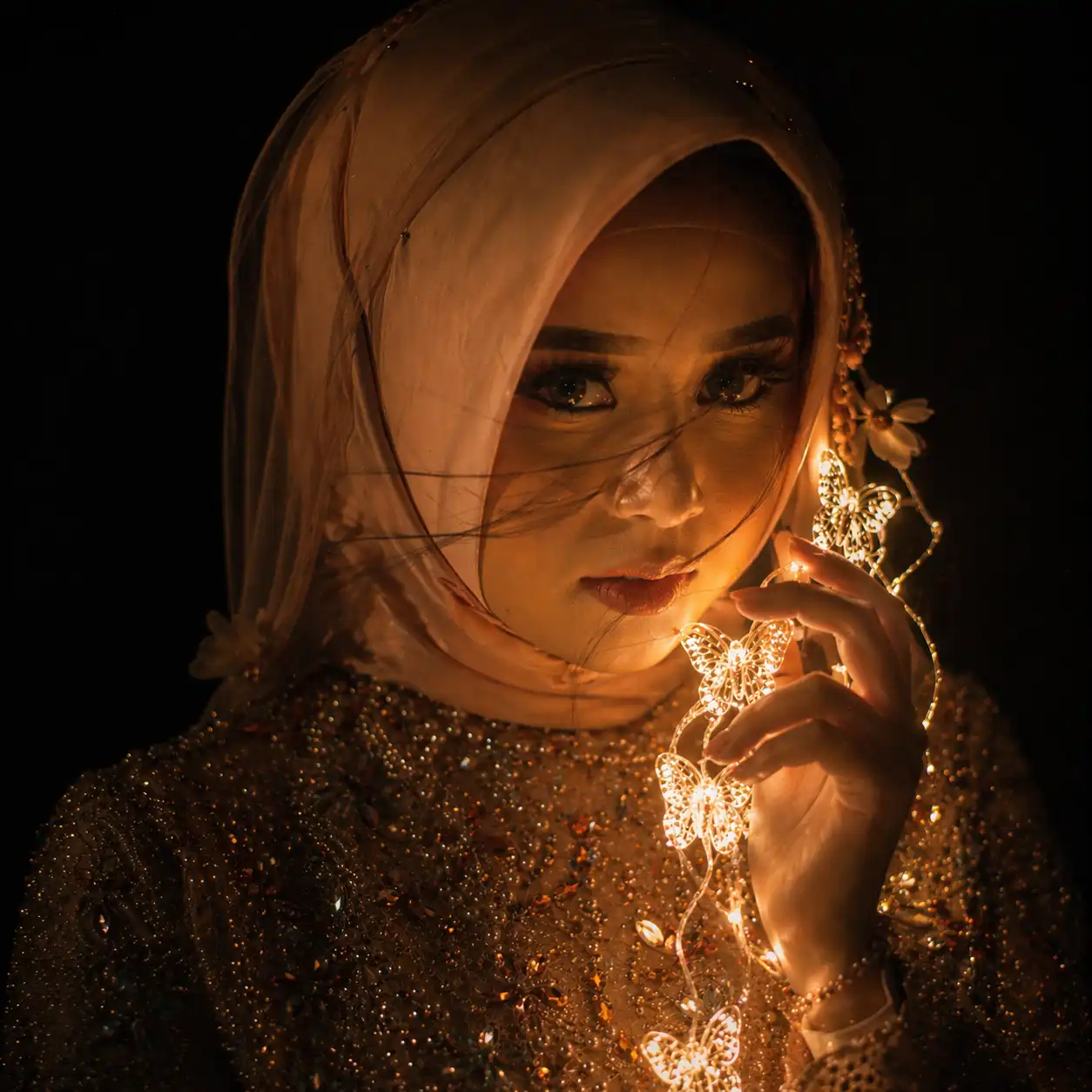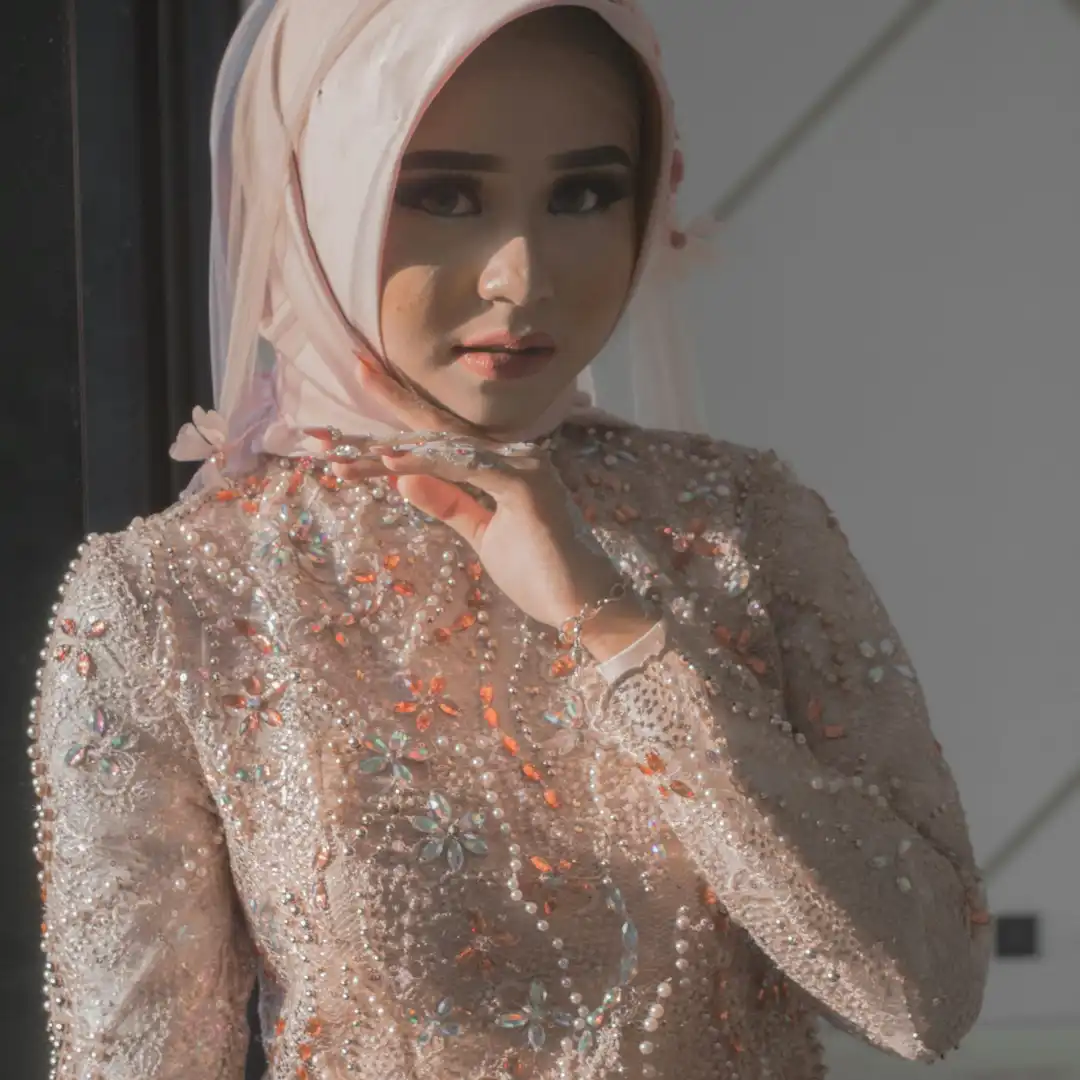
Short Guide: How to Use This Prompt
- Choose your AI tool: Works best with Midjourney, Leonardo AI, Adobe Firefly, or Stable Diffusion
- Upload your image: Use a clear front-facing or slightly angled photo of a person for best results
- Paste the prompt: Copy the prompt and paste it into the image-to-image (img2img) or “edit” section of your chosen tool
- Adjust the strength: Set the image influence/denoise strength between 0.5–0.7 to keep facial features while applying the moody style
- Tweak if needed: Add keywords like
cinematic lighting,85mm lens, oreditorial photographyto enhance realism - Iterate: Run it 2–3 times and pick the best result, as AI outputs vary each time
💡 Tip: For the most dramatic effect, use a photo taken in a slightly dark or neutral background. it blends more naturally with the prompt’s dark atmosphere.